
BETA IS OPEN
Create and edit a WordPress site with an AI agent
ArneIron is live, and we are welcoming beta users. Connect your WordPress site, ask for what you want in plain English, and the agent builds it as real, editable Gutenberg blocks — in minutes, not weekends. Register free and try it today.
Architecture
How ArneIron works — in 90 seconds
Follow one request from Claude Code or ChatGPT through the hub, the agent and the connector plugin to a verified, reversible WordPress edit.
WHY ARNEIRON
A WordPress site builder your AI agent can drive
Edit WordPress with an AI agent
Ask in plain English — add a pricing section, rewrite the About page for search. ArneIron reads your site, makes the change, and verifies it before anything goes live.
Read about ArneIronReal Gutenberg blocks, not dead code
Everything the agent writes is native Gutenberg. Open any section in the WordPress editor and change it yourself — no shortcode soup, no page-builder lock-in, nothing you cannot undo.
Fast, and connected over MCP
A new section lands in minutes, around twice as fast as building it by hand. Point your own assistant at the ArneIron MCP WordPress plugin and it works on the site directly.
How ArneIron builds your WordPress site
-
Connect your site
Install the ArneIron connector on any WordPress site and redeem one connect token. It takes about two minutes and needs no server access.
-
Describe the change
Ask in plain English: add a pricing section, rewrite the About page for search, build a contact page. No tickets, no theme files.
-
The agent builds and verifies
ArneIron reads your live site, writes the change as native Gutenberg blocks, then checks the page actually rendered before calling it done.
-
Review, publish or roll back
Every change is recorded with a rollback handle. Keep it, edit it in the WordPress editor, or undo it back to the exact bytes it had before.
Set up ArneIron from Claude Code or ChatGPT
-
Create your account
Ask your AI agent to register you with your email. ArneIron emails you a link: open it and choose your password. That confirms your email.
-
Connect your WordPress site
Give the agent your ArneIron password, your site URL and a WordPress admin login. It installs ArneIron and grants write access through a restricted WordPress user.
-
Connect the MCP
The agent adds the ArneIron MCP server. A browser window opens: log in to arneiron.net and click Approve.
-
Top up and edit
Ask for your first edit. If your wallet is empty you get a top-up link and nothing is charged. Top up, then say: Done, try again.
Agent setup
Copy-paste prompts
Paste these into your AI agent one at a time, in order.
Prompt 1
Create your account
Register me on ArneIron (arneiron.net). My email is you@example.com. Read https://arneiron.net/agent-onboarding.md first.Prompt 2
Connect your WordPress site
After you have confirmed your email. Choose the full setup or the connector only.
I confirmed my email. My ArneIron password is ____. My WordPress site is https://example.com, admin user ____, password ____. Set it up with the full ArneIron theme and connector. (Or: connector only, for SEO and content work, and keep my theme.)Prompt 3
Connect the MCP
Add the ArneIron MCP server for my site and tell me how to approve it.Prompt 4
Your first real edit
If your wallet is empty, the agent shows you a top-up link (arneiron.net/my-account/my-wallet/) and nothing is charged. Top up, then say “Done, try again.”
Change my homepage headline to "Fresh bread every morning".Only you can do these
The three things you do yourself
- Confirm your email. Open the confirmation email from ArneIron and choose your password.
- Approve the connection. In your browser, log in to arneiron.net and click Approve.
- Top up your wallet. Add a card and top up your wallet.
Pick your agent
Does the whole setup
Claude Code
Claude Code does the whole setup itself. It adds the server with this command. Then you type /mcp, pick the server, choose Authenticate and click Approve.
claude mcp add --transport http arneiron-yoursite https://hub.arneiron.net/mcp -s userGuides you through it
ChatGPT
A normal ChatGPT chat cannot fill in forms on arneiron.net or on your WordPress site yet, so it can guide you through the steps but not do them for you. ChatGPT agent mode may manage it in its own browser; we have not verified that yet.
Adding the connector is a fourth manual step: turn on developer mode in ChatGPT settings, create a custom connector with the URL https://hub.arneiron.net/mcp, then connect and click Approve.
About your WordPress password. It is used once, only on your own site, and is never sent to ArneIron. ArneIron writes through a restricted “arneiron” WordPress user that you can revoke at any time. If you pasted your password into a chat you do not control, change it afterwards.
USE CASES
What people build with ArneIron
Launch a marketing site
Hero, features, pricing, FAQ and contact — a full landing page in an afternoon.
See the about pageKeep content fresh
Rewrite pages for search and add sections without opening a theme file.
Read the blogRun a WordPress shop
Products, prices and product pages, edited like any other section.
Browse the shopDrive it from your assistant
Point an MCP-capable AI client at your site and let it edit the pages directly.
See pricingPROOF, NOT PROMISES
EXAMPLES OF OUR CLIENTS
Every site below is live — built, edited and run with ArneIron.

Community support, culture and events in Vienna — food, clothing, and people brought together.
- Non-profit
- Community
- Vienna
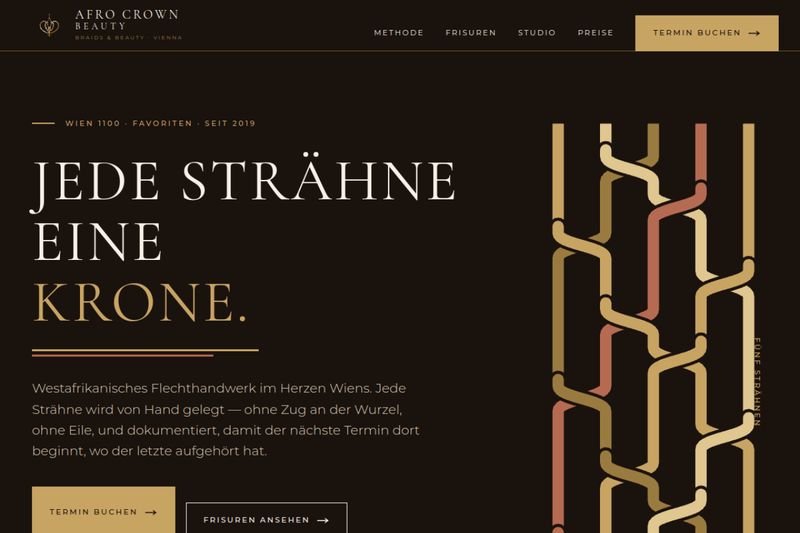
Braiding and beauty studio in Vienna — every strand, one crown. Book your braids online.
- Beauty
- Salon
- Booking


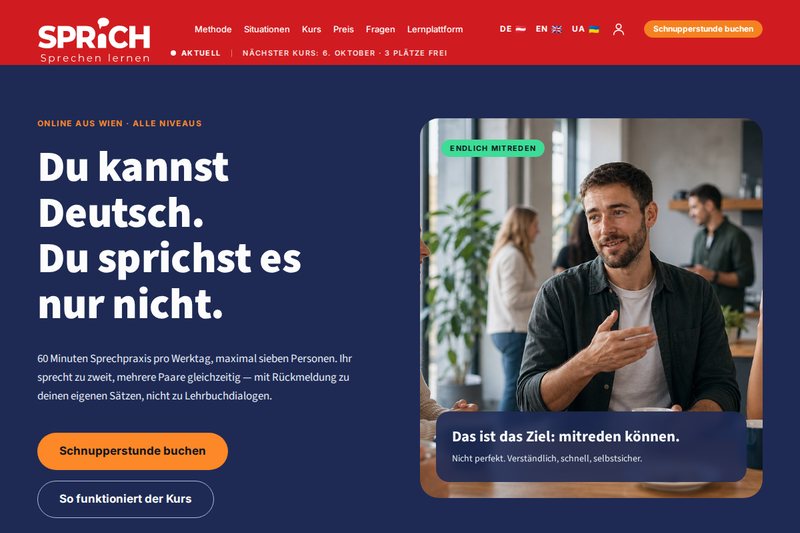
Speaking-first German school — an hour of speaking practice every weekday, online from Vienna.
- Education
- Languages
- Vienna
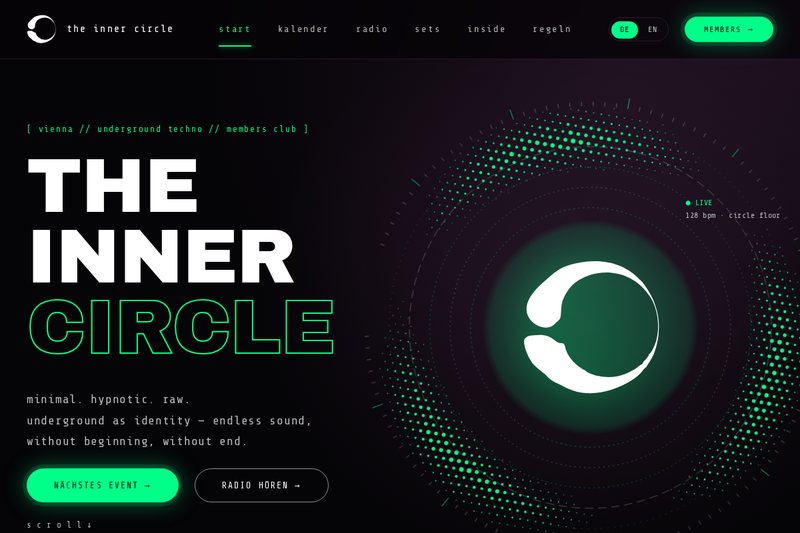
Vienna's underground techno members club — minimal, hypnotic, raw. Events, live radio and reservations.
- Music
- Club
- Vienna
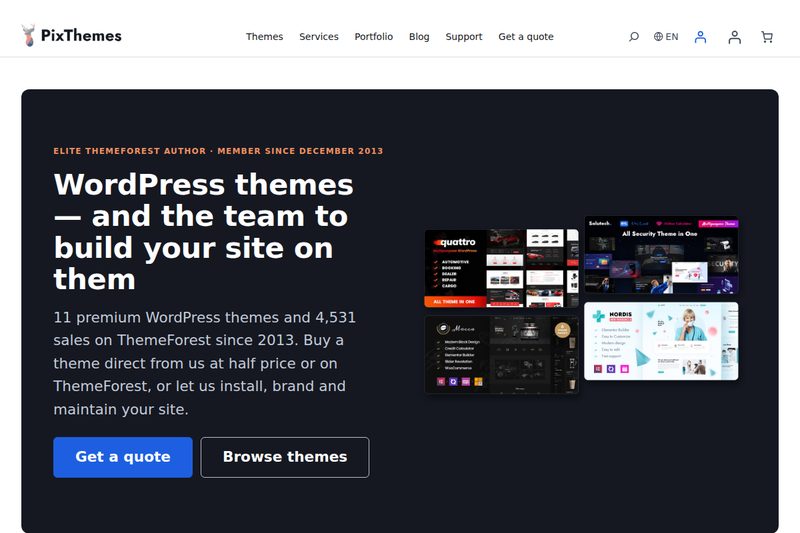
Premium WordPress themes from an Elite ThemeForest author — themes, support and custom site development.
- WordPress
- Themes
- Shop
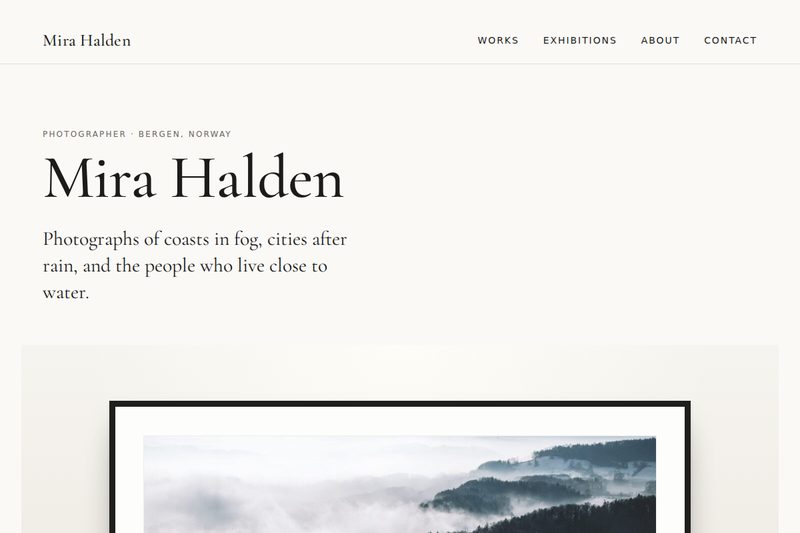
Demo build: a fictional photographer's portfolio on the ArneIron Pro theme, with zoomable exhibition walls.
- Photography
- Portfolio
- Demo
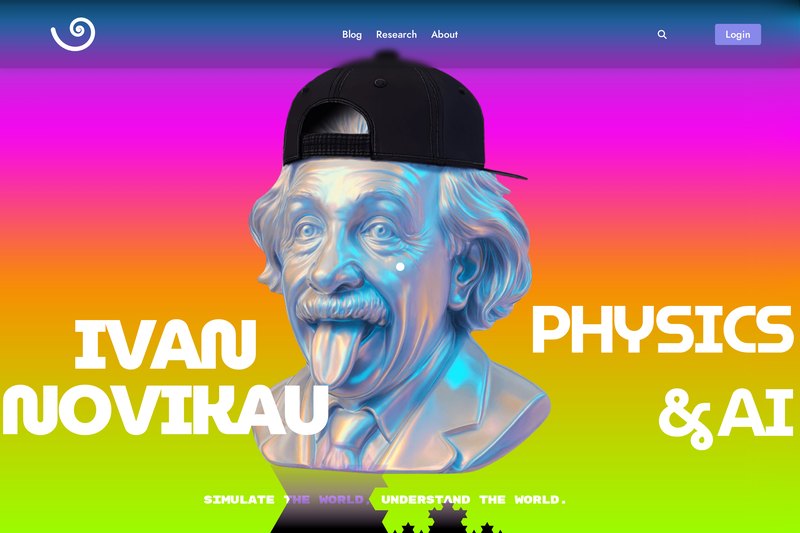
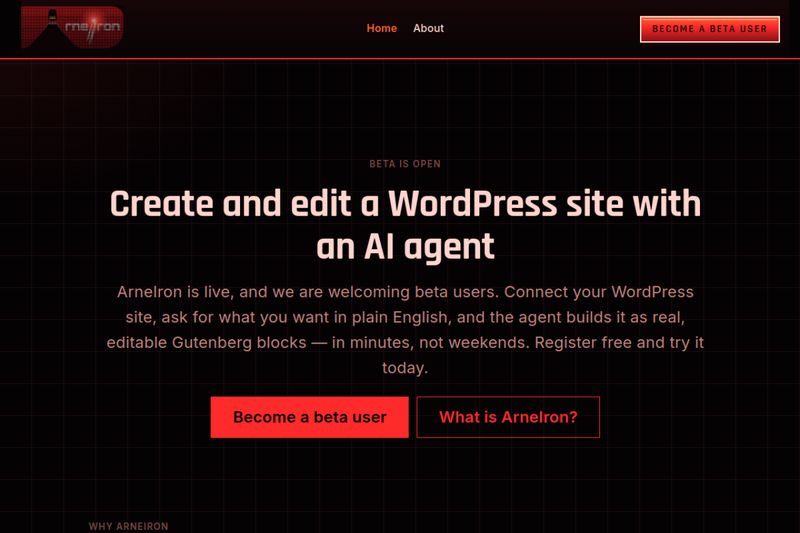
Edit a WordPress site with an AI agent — real Gutenberg blocks, not dead code.
- Platform
- SaaS
- Product
Frequently asked questions
What is ArneIron?
A WordPress site builder driven by an AI agent. Connect a site, describe the change in plain English, and the agent makes it live as real Gutenberg blocks.
Do I need to know how to code?
No. Describe the outcome in ordinary language. Everything stays editable in the standard WordPress editor.
What does the agent write to my site?
Native Gutenberg blocks — no shortcodes, no page-builder lock-in, nothing you cannot open and change yourself.
Can I undo a change?
Yes. Every change is recorded with a rollback handle and can be restored to its exact previous bytes.
Can I use my own AI assistant?
Yes. ArneIron exposes your site over MCP, so an MCP-capable assistant can read and edit it directly.
What does it cost to try?
Beta access is open and a free account costs nothing.